Price:
(as of – Details)
Product description

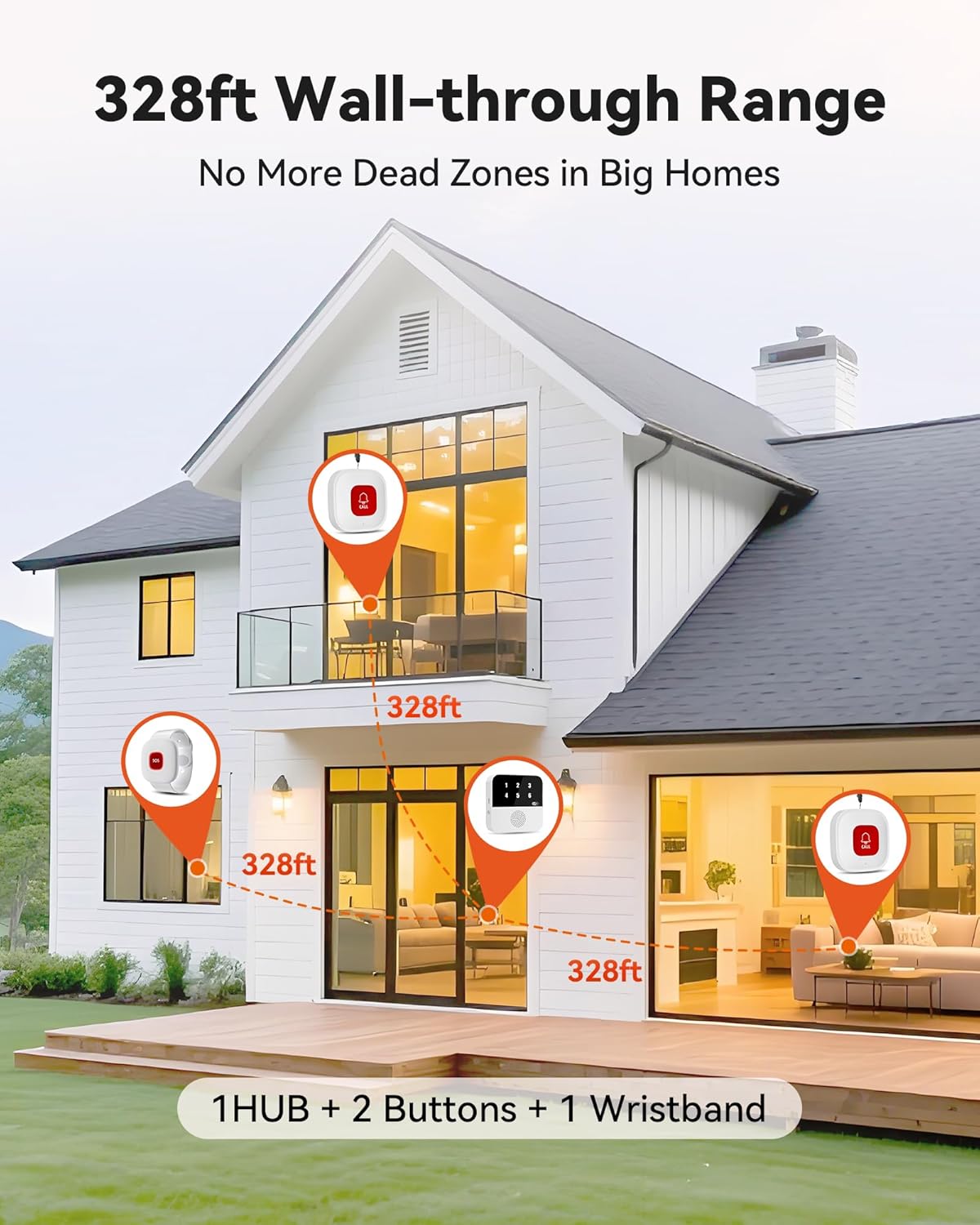
 328ft Wall-through Range
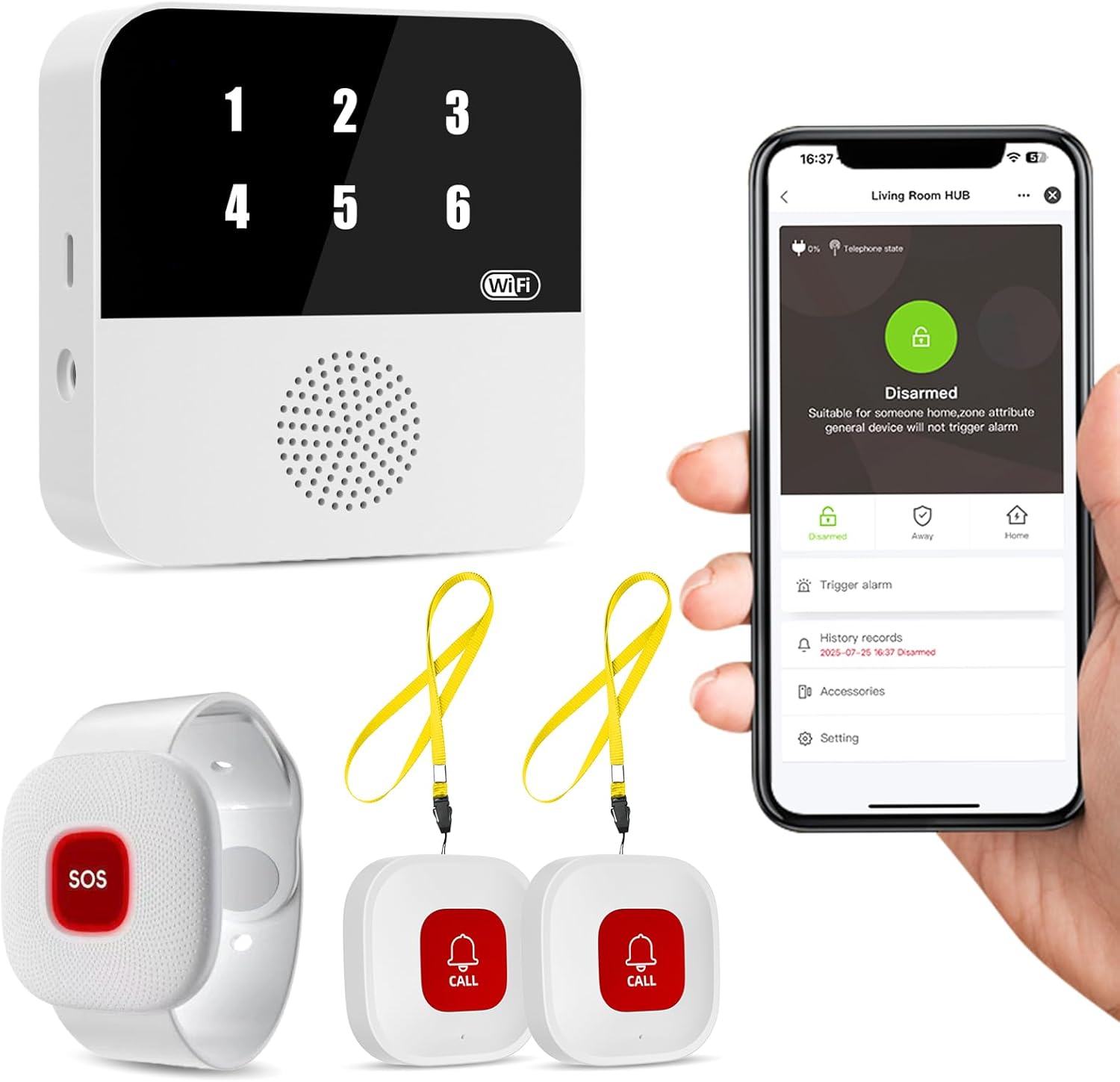
1 Hub+2 Buttons +1 Wristband w/ 433MHz, penetrates walls. Whole-house safety made simple!
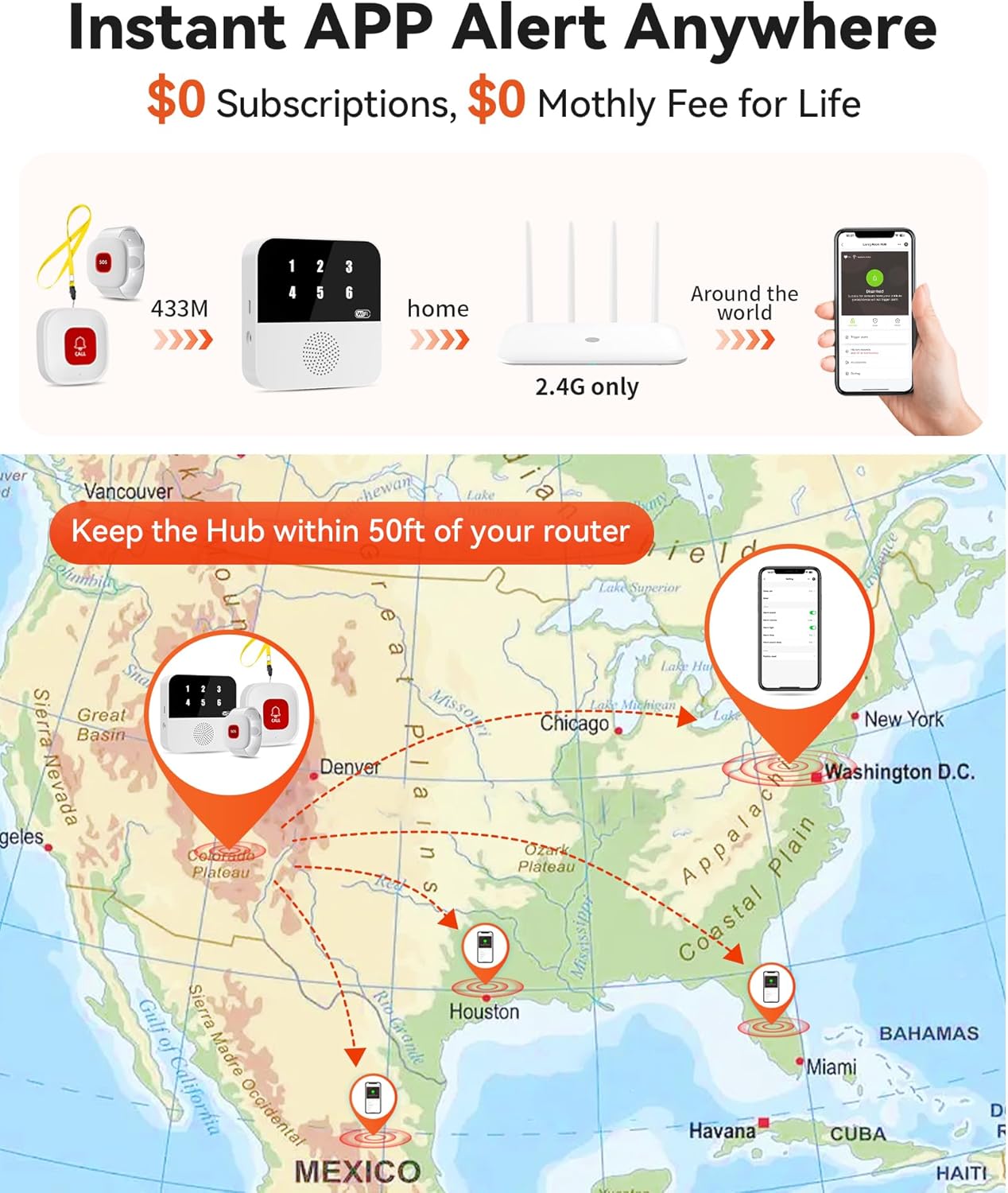
 Instant APP Alert Anywhere
2.4G WiFi only, APP alert anywhere – No subscriptions needed! SMS/call/email require optional plans.
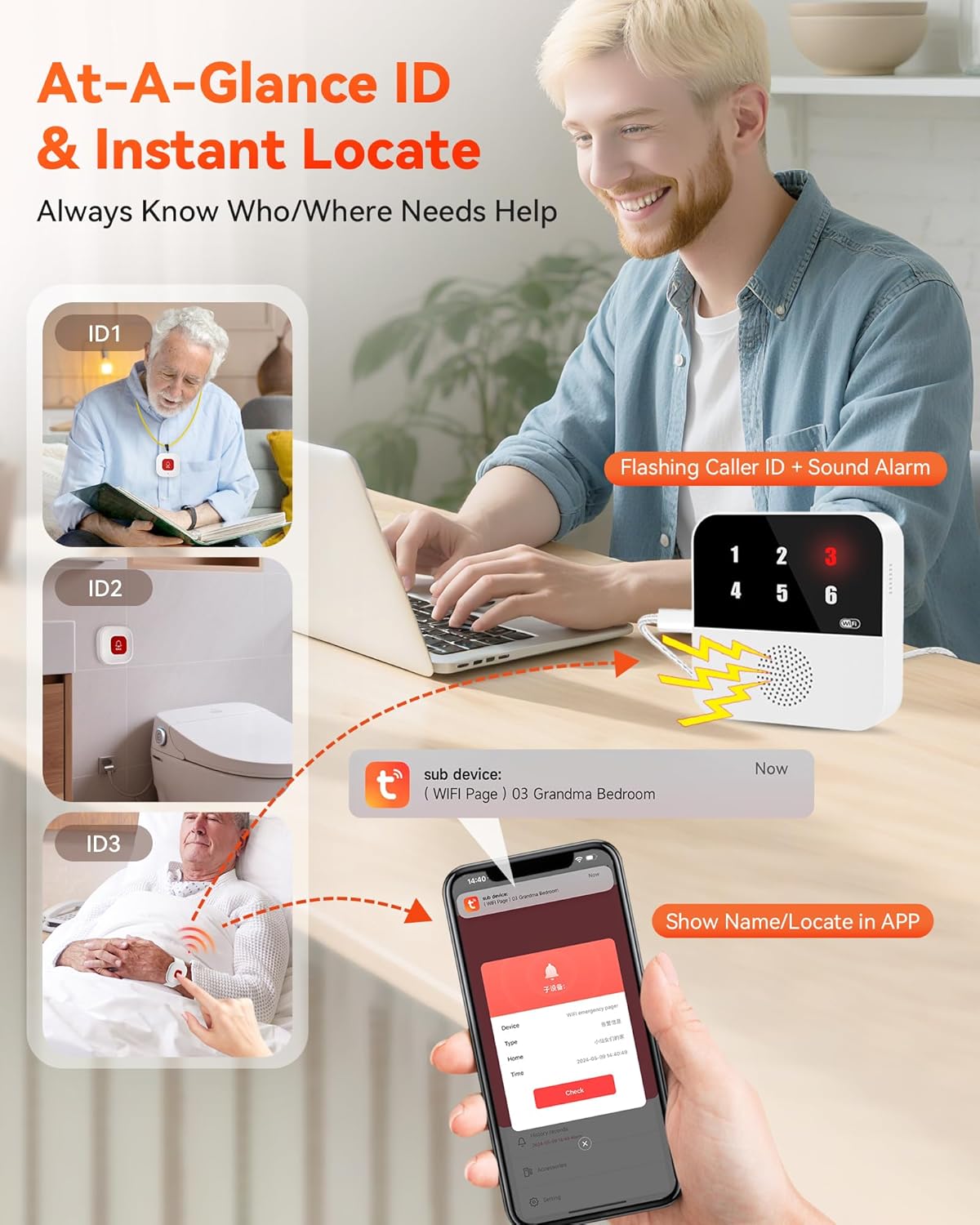
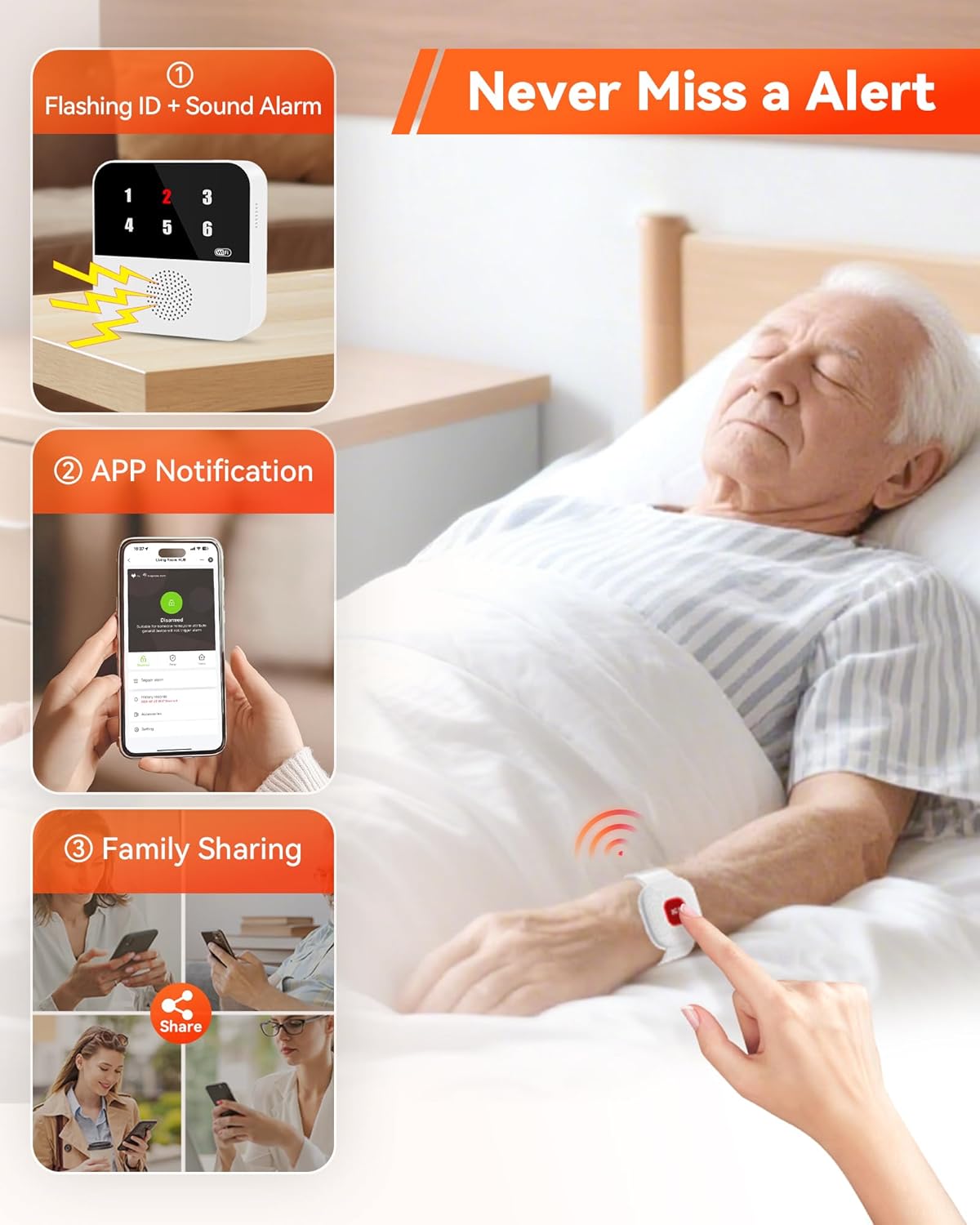
 At-A-Glance ID & Instant Locate
Press button→ Hub flashes call ID/alarm, APP shows Name/locate. Know who/where in 3s — no guesswork!
1 No Dead Zones
2 APP Alerts
3 Instantly identify


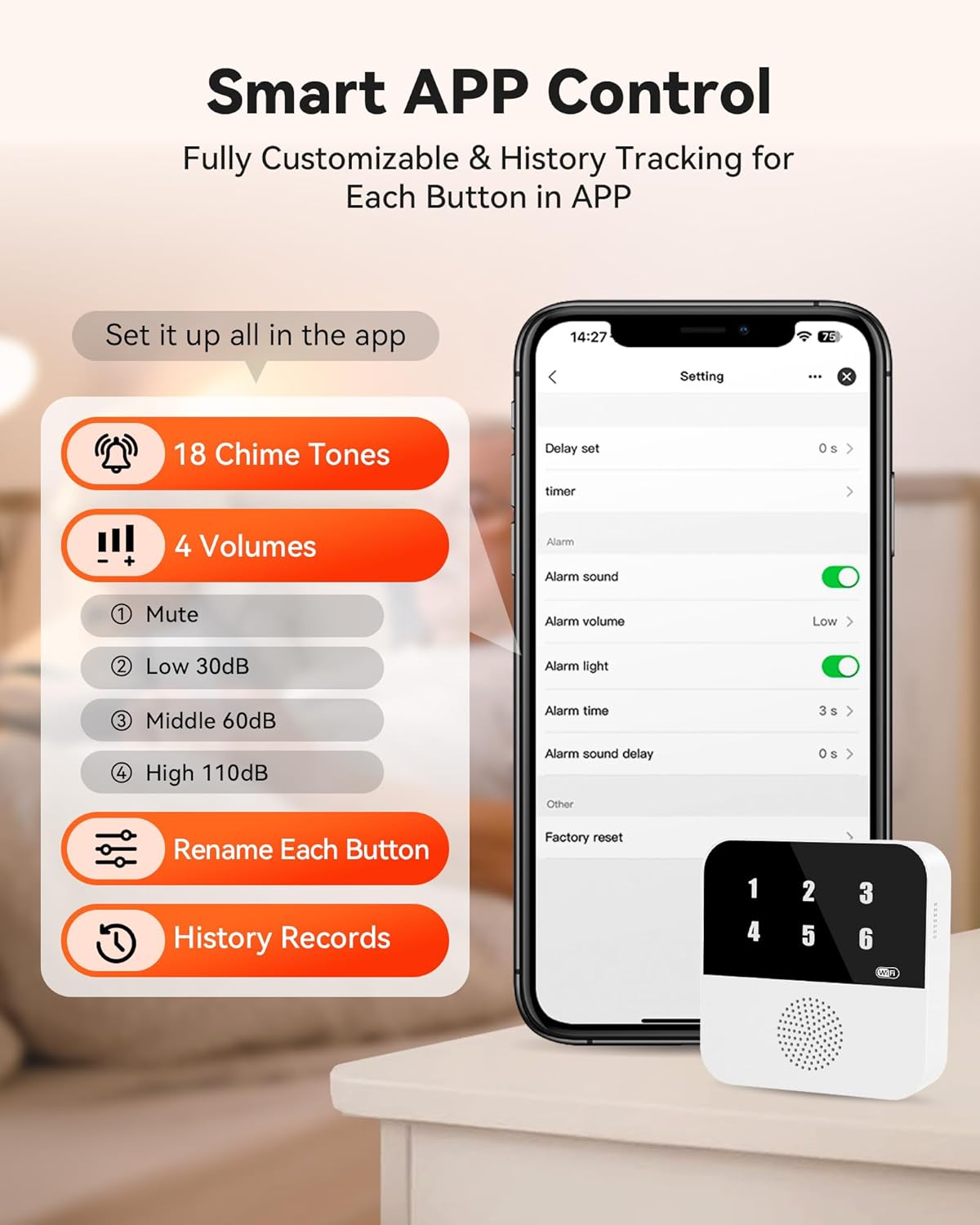
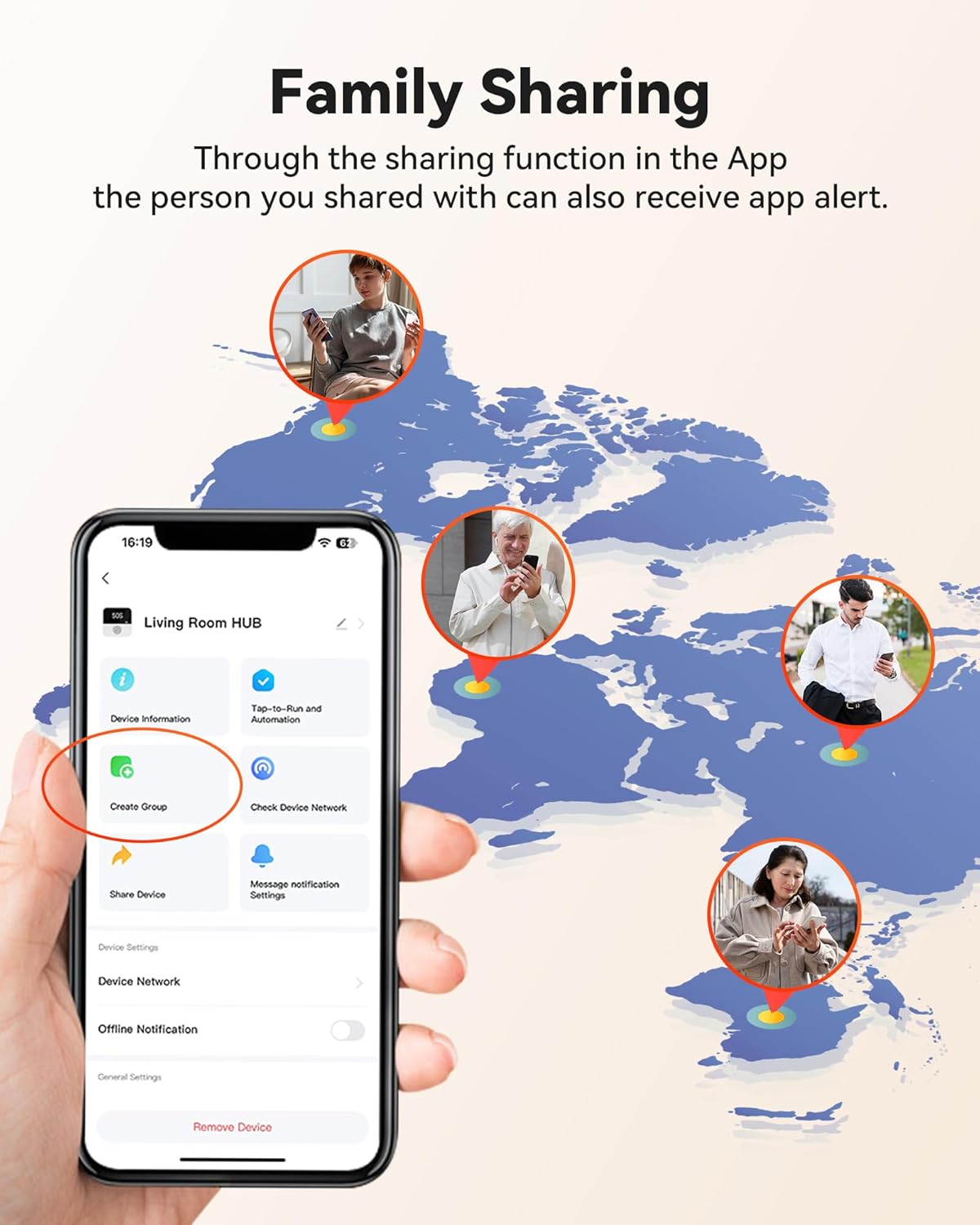
1 Never Miss a Alert 2 Smart APP Control 3 Family Sharing

Solo Care Essential
Choose Your PILSAMAS Kit
2.4G Wi-Fi
Digital ID Display
Dual & Backup Alerts
1 Smart Pager
Pagers
2 Smart Pagers
2 Soft Lanyards
Lanyards
2 Soft Lanyards
1 Comfort Wristband
Wristbands
2 Comfort Wristbands
Personal Daily Use
Ideal For
Multiple Caregivers
2.4G Wi-Fi
Digital ID Display
Dual & Backup Alerts
1 Smart Pager
Pagers
2 Smart Pagers
2 Soft Lanyards
Lanyards
4 Soft Lanyards
1 Comfort Wristband
Wristbands
—
Personal Daily Use
Ideal For
Full Mobility Care
Dual Care Pro 
Dual Care Sharing 
Hub Pairing Guide (433MHz) Call Button/Wristband Button Not Pairing? Fix Now!
The video showcases the product in use.The video guides you through product setup.The video compares multiple products.The video shows the product being unpacked. call button pair the hub CF106 Merchant Video
Wi-Fi + App Pairing Guide No Hub Found? Fix It Now!
The video showcases the product in use.The video guides you through product setup.The video compares multiple products.The video shows the product being unpacked. WIGI APP PARIRRING CF106 Merchant Video
Will multiple call buttons trigger confusion?
Never! When pressed:
→ HUB flashes assigned number (e.g., “03”)
→ APP shows custom name/location (e.g., “Bathroom Button”)
Instant ID eliminates guesswork.
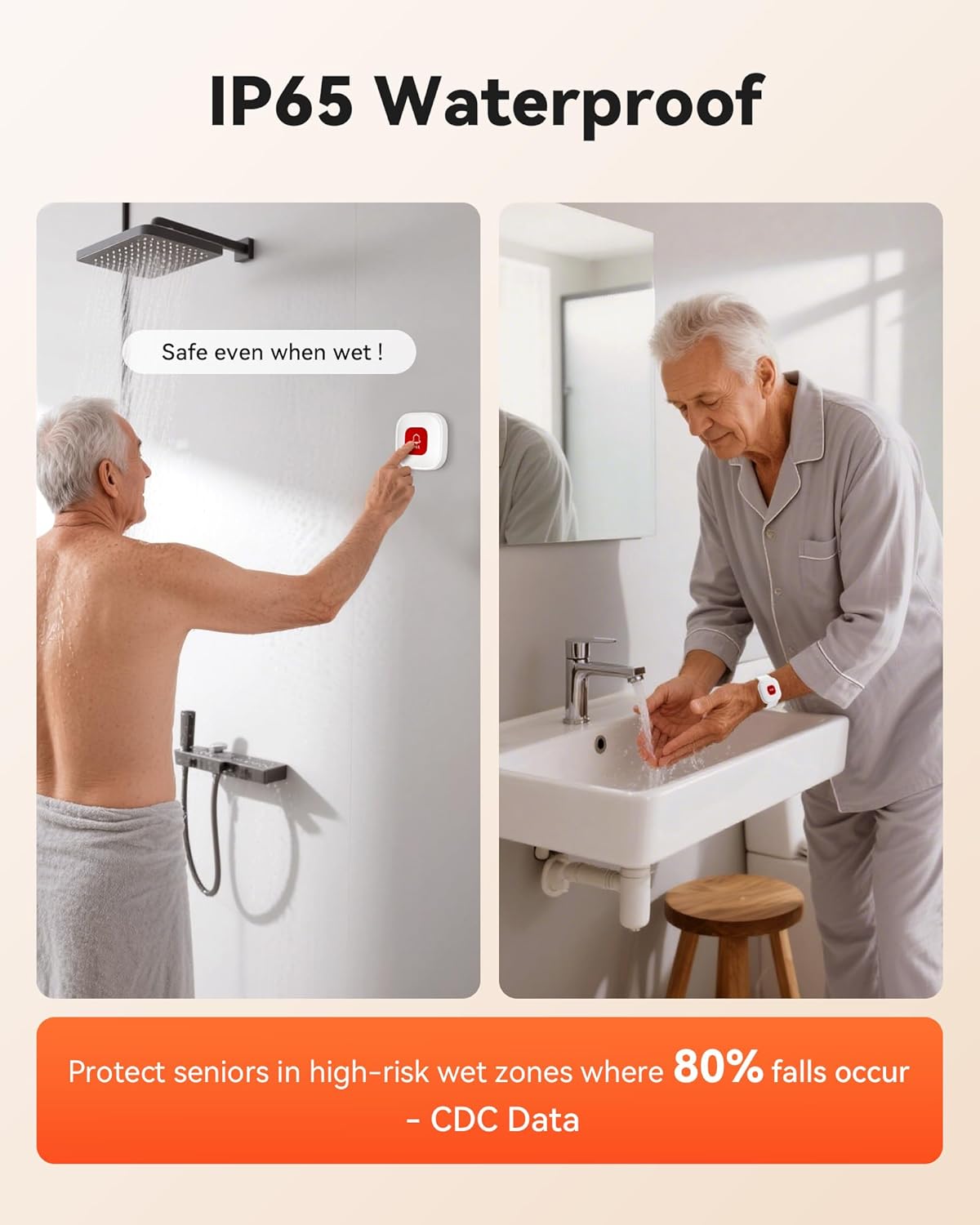
Do emergency alert buttons work in showers?
Absolutely! IP65 waterproof rating:
→ Survives direct water jets (30 mins)
→ Resists 90% humidity
*Ideal for bathrooms/kitchens—where 80% falls occur!*
Does it only work with 2.4G Wi-Fi? How to check my home Wi-Fi?
Yes, requires 2.4G Wi-Fi (not 5G).
login via browser (e.g., 192.168.1.1) → Find “2.4G” label in wireless settings.Smart devices require 2.4GHz for setup!
Are there extra fees for using the medical alert systems for seniors?
ZERO monthly fees! Free for:
→ APP alerts & updates
→ Button pairing
→ Family sharing
Only SMS/call alerts need paid plans (carrier fees apply). No hidden costs!
Why no APP alerts when alert button pressed?
Usually phone settings! Fix in 1 min:
1.Allow notifications→ Phone Settings > Apps > TUYA > Notifications – “Allow”
2.Disable “Do Not Disturb”→ Swipe down – Turn off moon icon
3.Unmute app sounds→ App Settings > Alert Volume – Max
Wi-Fi Smart Hub & 328ft Range: HUB connects to 2.4G Wi-Fi (not 5G) for global APP access. 3 Caregiver call buttons/wearable wristband and the HUB use 433MHz technology for a 328ft through walls—Ideal for homes, hospitals, and nursing facilities
Instant Identify Who & Where Needs Help: Press any button → HUB flashes assigned number (1-6) in red LEDs + sounds alarm , instant APP Alerts shows name/location (e.g., Grandma – Bathroom). Know who/where needs help in 3 seconds—no more guessing
Free APP Control & Alerts Anywhere: Customize 18 tones/4 volumes, name devices (e.g., “Bedroom button”), share APP alerts with family, view alert history. Lifetime free updates & notifications—no subscriptions! SMS/call/email require optional plan
Shower-to-Kitchen Waterproof Defense: IP65-rated alert buttons & wristband survive direct water jets—install in showers, bathtubs, or sinks. Resist spills and 90% humidity. Helps prevent 80% of wet-zone falls (CDC injury data)
Pre-paired & Versatile: This medical alert systems for seniors come ready to use. Adjustable, hypoallergenic wristband for all-day wear. 2 regular buttons can be neck-worn, wall-mount, or table placement. Perfect for bedroom, clinics & dementia care